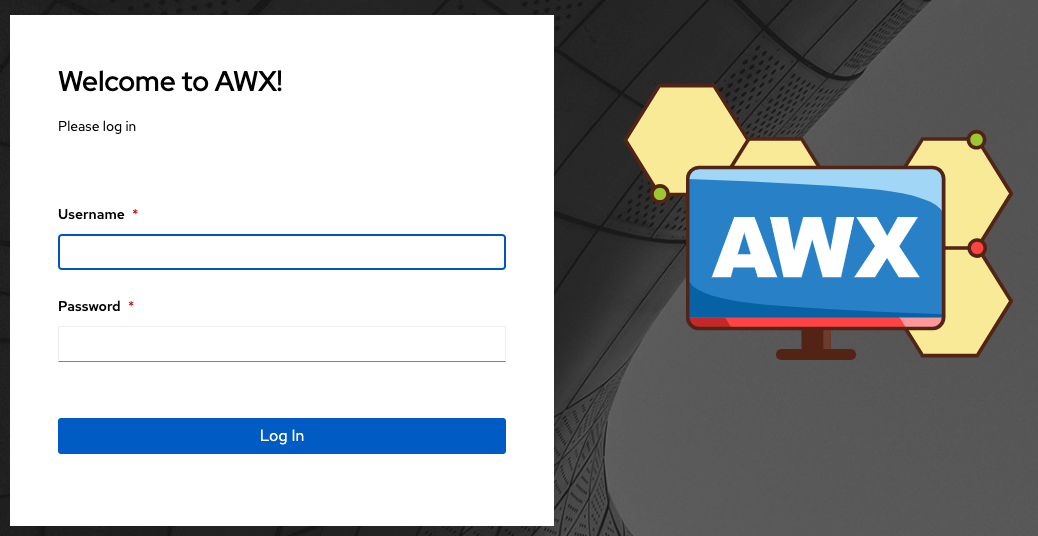
26. Using Custom Logos in AWX
AWX supports the use of a custom logo and login message. You can add a custom logo by uploading an image; and supply a custom login message from the User Interface settings of the Settings menu.
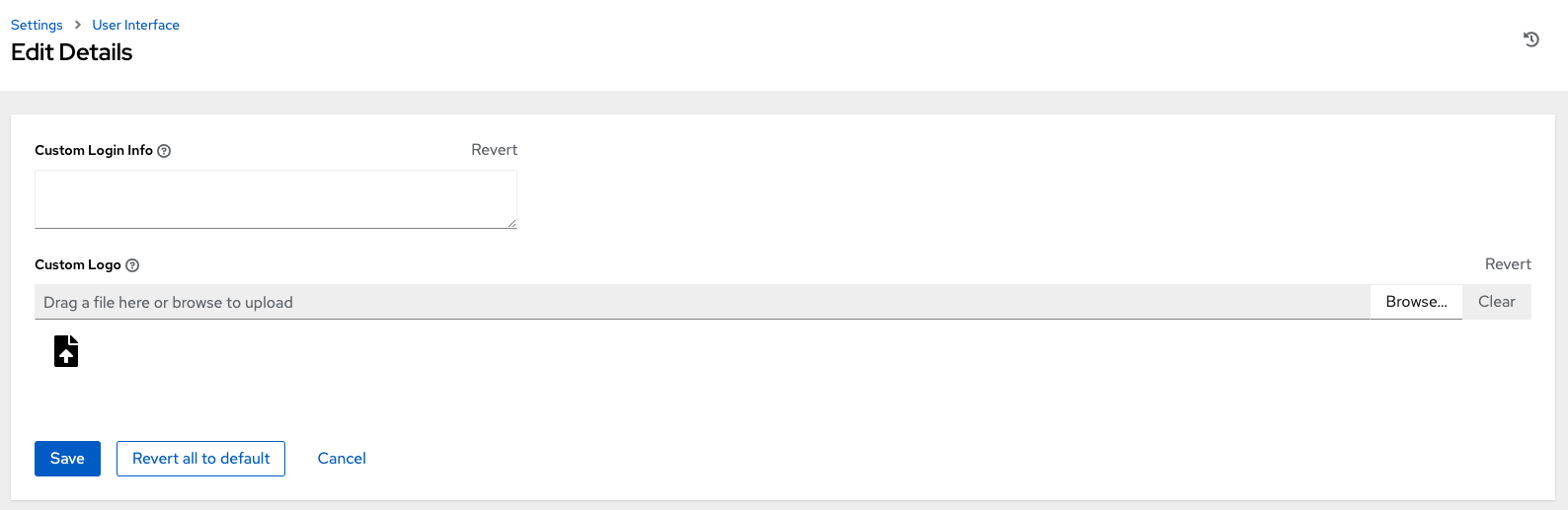
For the custom logo to look its best, use a .png file with a transparent background. GIF, PNG, and JPEG formats are supported.
If needed, you can add specific information (such as a legal notice or a disclaimer) to a text box in the login modal by adding it to the Custom Login Info text field.
For example, if you uploaded a specific logo, and added the following text:
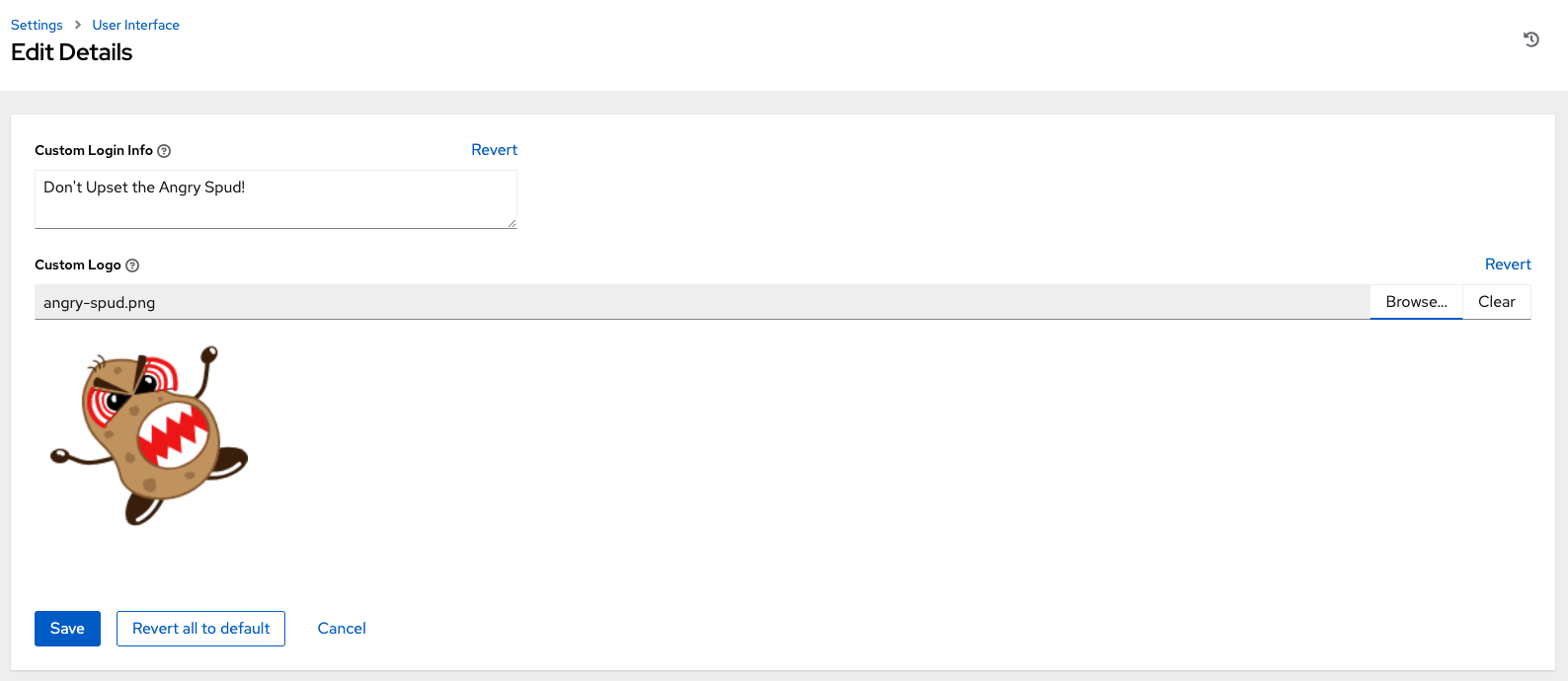
The Tower login dialog would look like this:
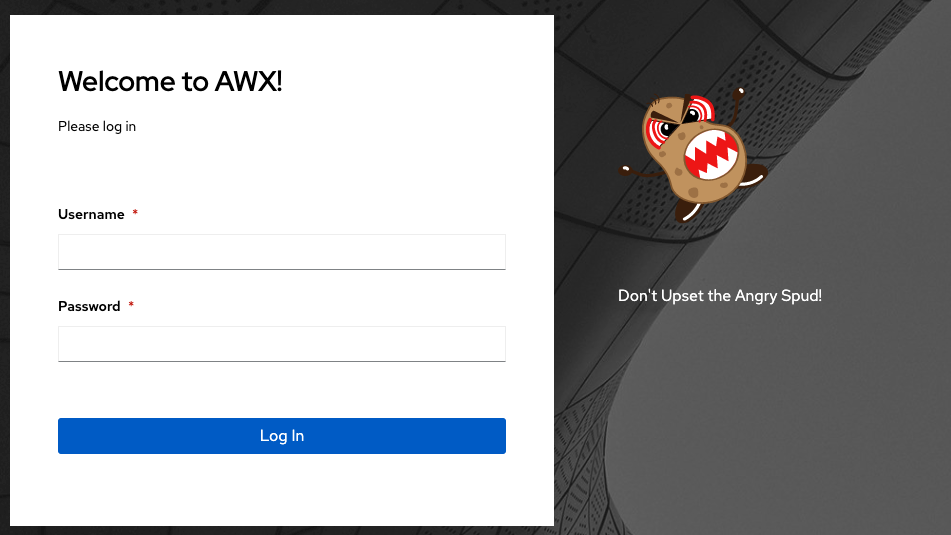
Selecting Revert will result in the appearance of the standard automation controller logo.